
Map Rendering
You need a local Sol / SS14 checkout with tooling set up. Ask in Discord if you need help getting a build running.
Rendering from a YAML path
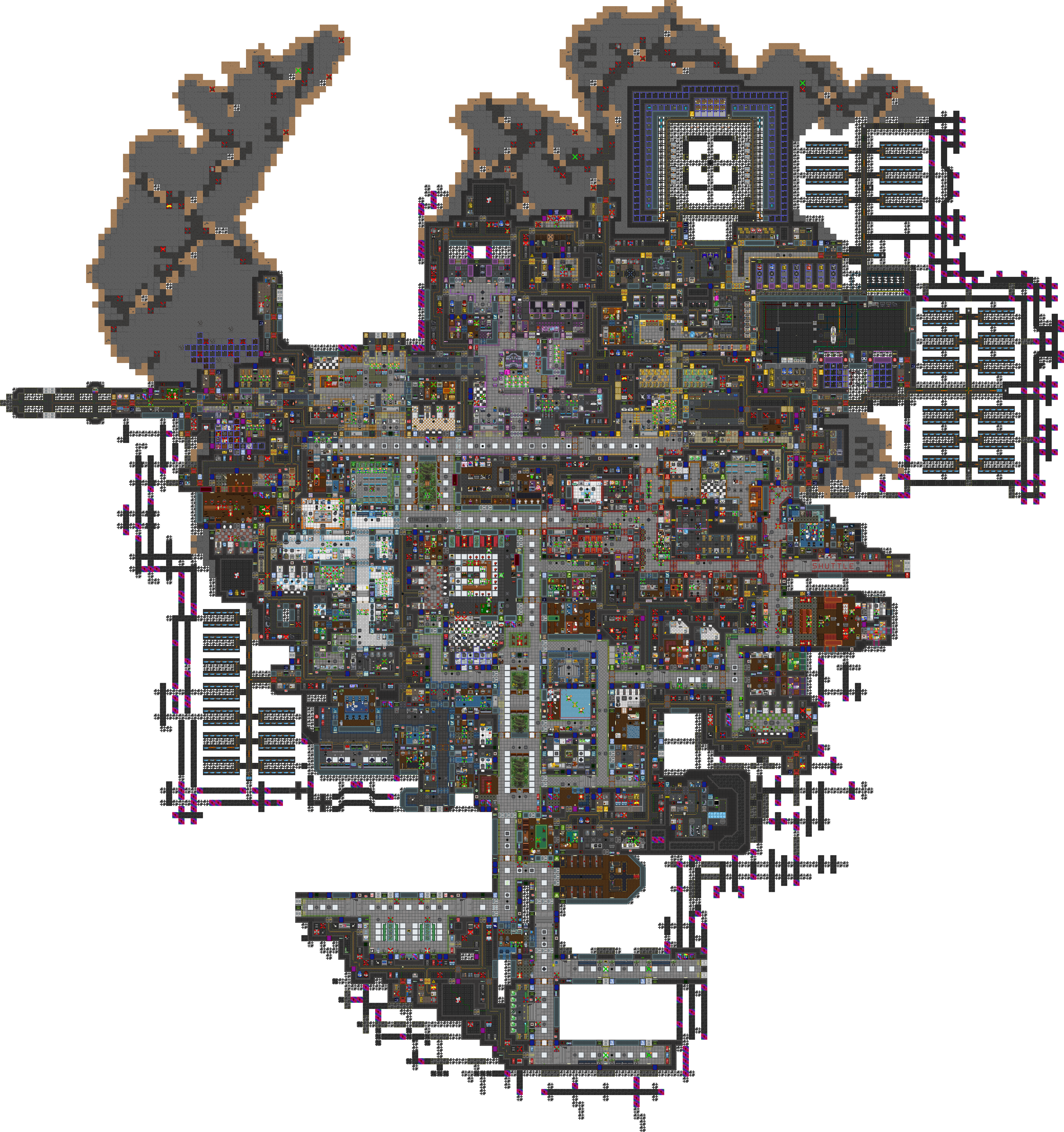
Works for stations and small shuttles alike.
- Open a terminal in the repository root (the folder with the run scripts / solution).
- Run:
dotnet run --project Content.MapRenderer -- -m -f "/absolute/path/to/your/map.yml"
- Wait for the render to finish.
- Output lands in
Resources/MapImages.
Example with a Sol station file:
dotnet run --project Content.MapRenderer -- -m -f "/path/to/sol-station-14/Resources/Maps/_Sol/Stations/Cork.yml"
Use a fully qualified path. Adjust drive letters and folders for your machine.
Rendering an initialized (“live”) map
To capture a map after mapinit (spawners, posters, trash, etc. resolved), pass a game map prototype id instead of a file path:
dotnet run --project Content.MapRenderer SolCork
Other Sol examples: SolSaltern, SolReach. Output still goes to Resources/MapImages.
This only works for maps that have a game-map prototype. File-path renders work for any YAML grid/map file.